
Sharing your YouTube videos on Instagram or TikTok often leads to a problem. When your followers click your link, it opens a web browser instead of the YouTube app. On that browser most of the peoples are usually not logged in, so they cannot like your video or subscribe to your channel.
A YouTube App Opener fixes this problem. It is a simple tool that forces your youtube (channel/videos/live/shorts) links to open directly in the YouTube app.

Why You Need Youtube App Opener for Growth
Using an app opener helps you get more engagement and better results. Here are the main benefits:
- Get More Subscribers When your link opens in the YouTube app, your viewers/followers are already signed in. This means they can follow, like, and comment on your video immediately. You remove the barriers that stop people from subscribing.
- Faster Views Web browsers inside Instagram, Facebook or Twitter are slow. An app opener link sends users straight to the YouTube app so they can watch your video faster.
- Works on Every Phone You do not need to worry about what phone your followers use. The tool detects the device and opens the right app on both iPhone and Android.
- No Dead Ends If a user does not have the YouTube app installed, the link has a safe backup. It will simply open the video in their browser so they can still see your content.
How to Create Your Link
You can make a smart link in seconds. No login or signup is required.
- Copy Your Link: Take the link for your YouTube channel, video, or Short.
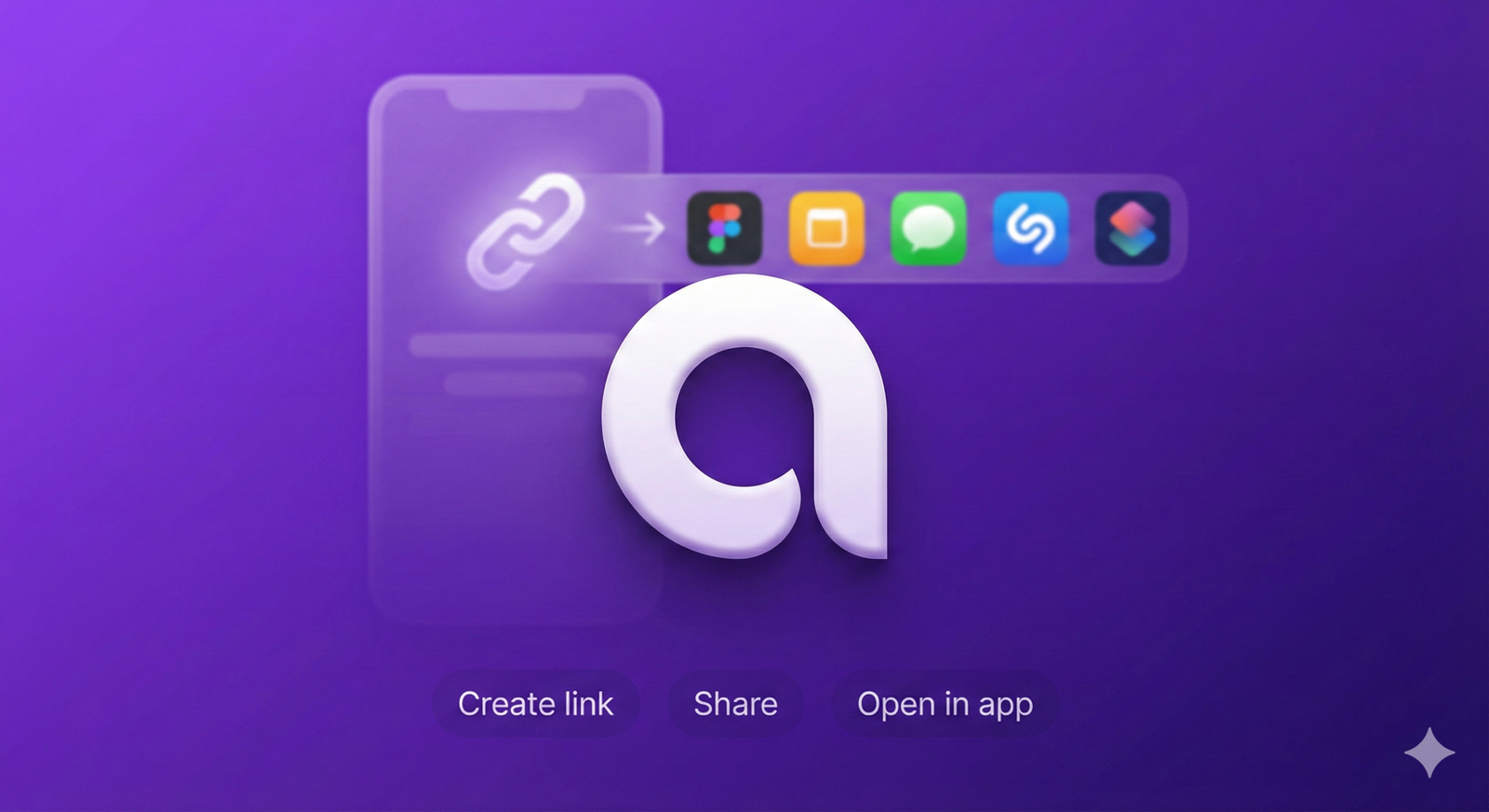
- Paste and Generate: Paste the URL into the App Opener tool to create your new short link.
- Share It: Put this new link in your Instagram bio, stories, or ads.
Where to Use It
To maximize your growth, use these links everywhere you share content:
- Social Media Bios: Perfect for your main profile link on Instagram or TikTok.
- Stories and Posts: Use them when you share a new video update.
- Ads and Emails: Ensure people who click your ads go straight to the app for a better experience.
Check Your Results
You can even see how many people click your links. Simply add a + symbol to the end of your short link (like ex.am/ple+) to see your views and stats